Automation and Operations
Which processes to automate first: a simple scoring method
Score each process on hours, clarity, data readiness and risk, check payback, then automate the top one or two. Worked example and pass/fail test.

Every document reaches the right person, team or queue based on what's in it, without anyone sorting the inbox by hand.
When documents land in one shared inbox, someone has to open each one and decide where it goes. That sorting eats hours and things still end up in the wrong place. AI Document Routing reads the content of every document, matches it to your rules and sends it to the right person, team or queue. Anything it cannot place with confidence waits for a person.
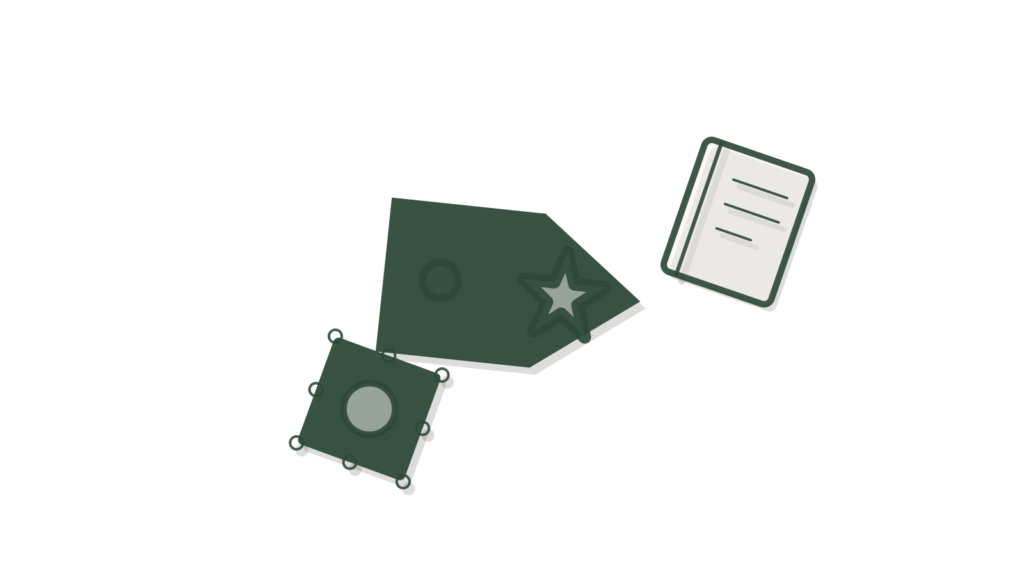
AI Document Routing reads what's in each document and sends it to the right person, team or queue, based on rules you define around content, not just a filename or a folder it happened to arrive in. Documents it cannot match with confidence wait in a review queue rather than going to the wrong place.
A shared inbox full of invoices, claims, applications and contracts needs someone to sort it, and that person becomes a bottleneck. Misfiled documents sit in the wrong queue for days, and nobody notices until a customer chases. After this build, each document is read on arrival and sent where your rules say it belongs, by type, region, amount or client. Your team works from queues that are already sorted. The Scope Card spells out the document types, routing rules and destination systems before you order, so the scope is settled in writing.
Document Routing reads what is in each document and sends it to the right person, team or queue. Routing follows rules you define around content.
Routing is based on content, not a filename or the folder something happened to arrive in. A misnamed document still reaches the team that handles it.
Documents the system cannot match with confidence wait in a review queue. A person decides, rather than the document being sent somewhere wrong and passed around.
Your portal lists these the moment you order. Delivery starts the working day after everything is in and your access is checked.
| Option | Delivery time | Price |
|---|---|---|
| Standard | 20–30 working days | $5,500 |
| Express | 15–25 working days | $6,450 |
| Rush | 10–20 working days | $7,450 |
Before you start: Count documents arriving in the shared inbox per week and who sorts them. Note how many get passed between teams.
These are things to track, not promised results. Outcomes depend on your data, your team and your market.
The build price is one-time. Running Document Routing costs roughly $30 to $200 a month in your own accounts, covering OCR and AI usage plus storage, and it moves with how many documents pass through routing each month.
AI usage during the build and testing is billed to your own accounts too, so every provider relationship stays yours, not ours.
Ask about running costsIf you need more than three document types, more than 25 rule fields per type, or a second intake route than the Scope Card lists, add a note at checkout. You get a written Change Quote, and that work only starts once you accept it. Larger or bespoke projects go through the Custom AI request form instead.
Request a custom versionMonthly maintenance covers monitoring, fixes, updates, a health report and change hours each month, enough to add or adjust a routing rule. It starts after the 30 days of support end, bills monthly, and can be cancelled any month.
$275/mo (5% of the build price a month, includes 2 change hours)
Optional. Starts after the post-launch support period. Cancel any month.
How maintenance works| Do it yourself with a SaaS tool | Hire a custom agency | Upmark Labs | |
|---|---|---|---|
| Price | A workflow-routing SaaS charges per user or per automation every month | A custom agency quotes after discovery calls | Ours is one fixed price, shown on this page before you buy |
| Scope | A workflow-routing SaaS is a general tool you build every rule in yourself | An agency agrees scope during the project | Ours is written on the Scope Card before purchase |
| Routing logic | A workflow-routing SaaS usually routes on filename or folder, not content | An agency build depends on what was scoped | Ours reads the document's content to decide |
| Delivery | A workflow-routing SaaS is instant to sign up but slow to configure well | An agency usually takes several weeks | Ours has a fixed delivery time shown before you buy, with faster options |
The fixed price for each delivery speed is shown in the price and delivery panel on this page, so you see it before you order. It covers everything on the Scope Card: routing rules for up to three document types, the connection to your source and destination systems, and the routing report you review before launch. New destinations are quoted in writing first.
Routing decides where a document goes, matching it to the right person, team or queue based on its content. AI Document Approval decides whether that document is accepted once it arrives, tracking sign-off through a defined chain. Many pipelines run Routing first, then Approval on whatever reaches its destination, so each step stays simple.
It reads the content, such as a document's type, region, amount or client, against the rules you defined, rather than relying on filename or folder alone. That's what lets it handle documents named inconsistently or dropped in the wrong folder, since the routing decision comes from what's actually inside each one.
Running costs are paid in your own accounts, and we charge nothing per document routed. Expect roughly $30 to $200 a month for OCR and AI usage plus storage, scaling with how many documents pass through routing. Short emails and forms cost less to read than long scanned files. Monthly maintenance is optional if you want rules adjusted over time.
It's held in a review queue for the person you named instead of guessing a destination. That person routes it manually, and repeated patterns can be added as a new rule later through monthly maintenance, so the same kind of document is matched automatically the next time.
Yes. Every credential and connected account is shared by adding our team as a user or creating a key you control during setup, never by email, and documents move only between the systems and destinations you connected. Routing reads content to decide where a document goes; it doesn't store or share it elsewhere, and samples can be redacted before we see them.
The delivery time for each speed is shown in the price and delivery panel on this page, counted from the day your intake is complete and access is verified. Most of the build goes into writing the routing rules and testing them against your real documents, so include awkward examples that your team usually argues about.
Yes. Adding or adjusting a routing rule within your existing document types fits inside the monthly change hours that come with maintenance. A new document type or a new destination system is a bigger change and gets a written Change Quote first.
Score each process on hours, clarity, data readiness and risk, check payback, then automate the top one or two. Worked example and pass/fail test.
Order AI Document Routing and it sends every document to the right person or queue on a fixed delivery date. The scope above is what you get, in writing, before you pay.